Paying a Credit Card bill shouldn't be complicated. Today, several apps make it easy to pay bills digitally - from your card issuer's native app to third-party payment platforms. Paying on time keeps interest charges and late fees away — and done consistently, it can boost your credit score and increase your borrowing capacity. Here's how to do it online, in a few simple steps.
Ways to make Credit Card bill payments online
A quick note before you start: The steps below assume you have already added your credit card details to the respective app or platform. If you haven't, you may be prompted to enter your card number and other details during first-time setup.
Here are the main ways to pay your Credit Card bill:
Credit Card apps
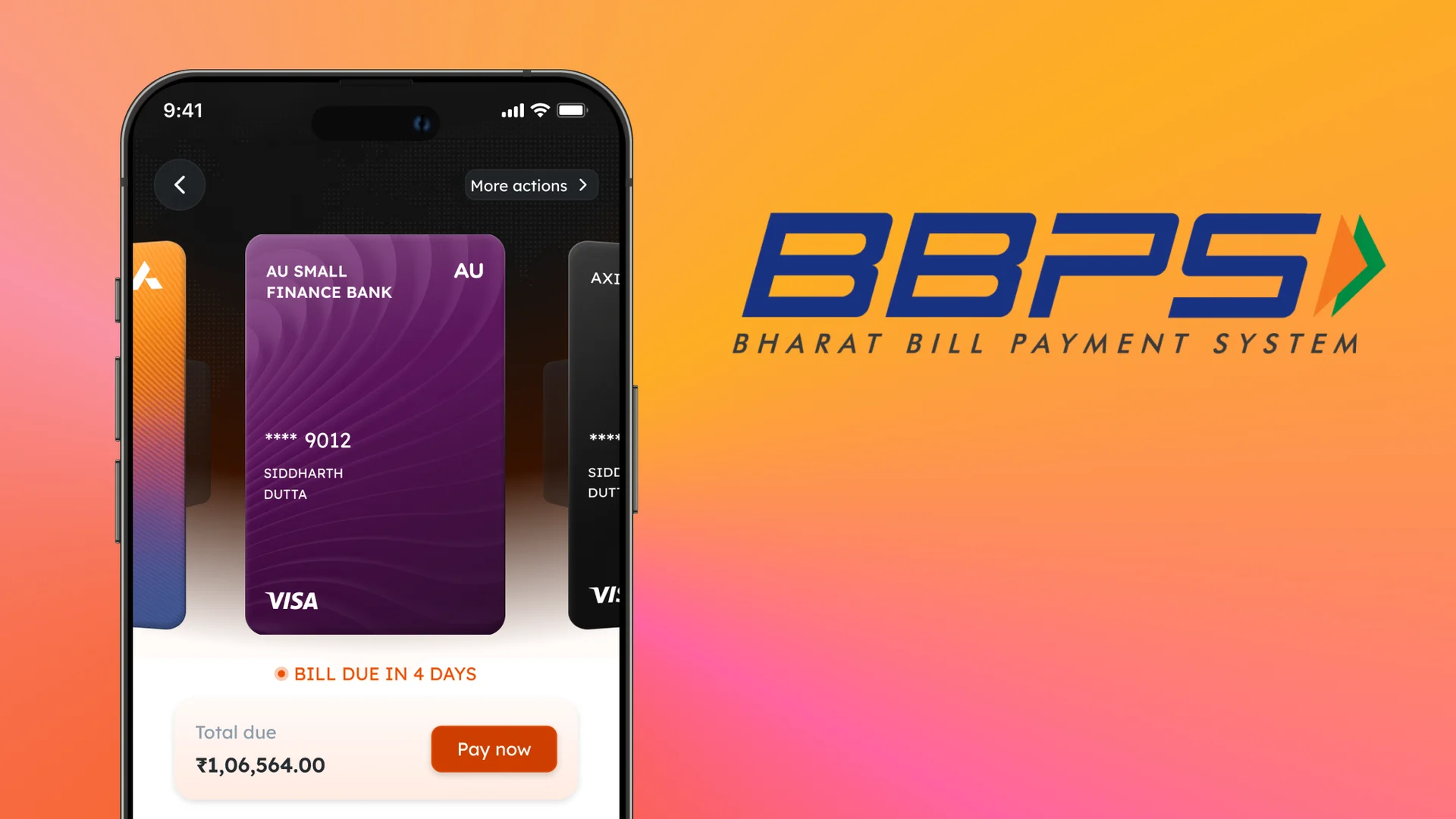
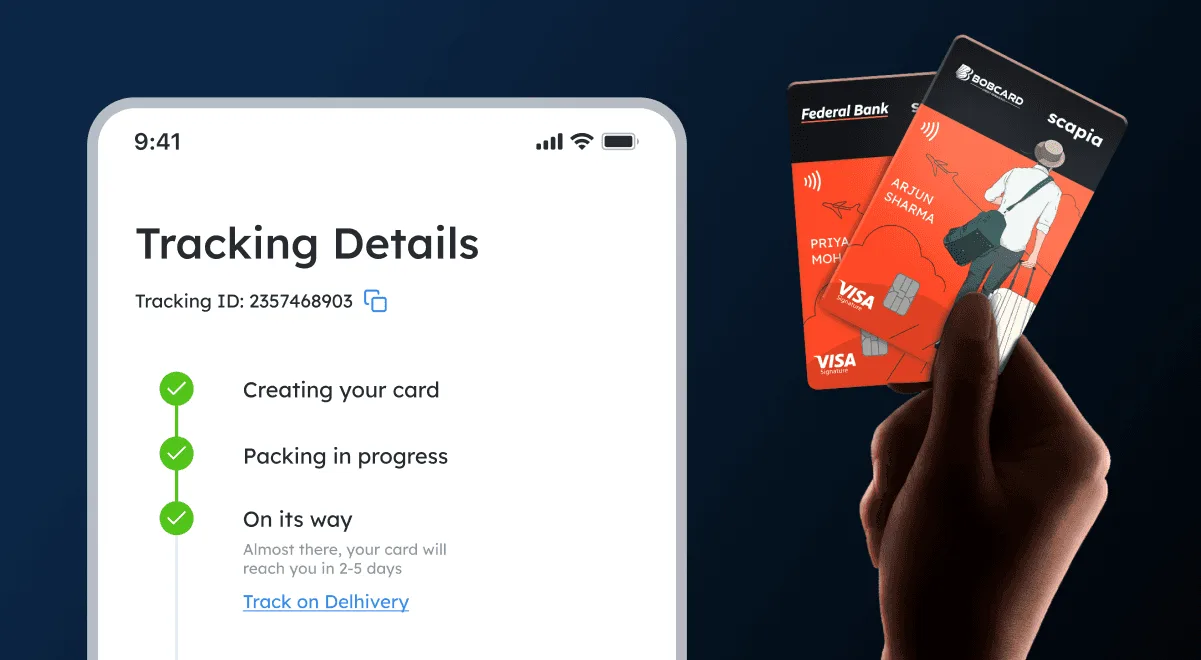
Many card issuers offer a dedicated app where you can manage your Credit Card. Some apps, like Scapia, also let you pay bills for any of your credit cards — not just your Scapia card — directly within the app. (Note: The Scapia app is accessible only to Scapia Co-branded Credit Card-holders)
Here's how:
- Open the Scapia app and go to the "Card Bills" section on your home page. You can add any of your credit cards — including non-Scapia cards — to pay bills in one place.
- Select the card whose bill you want to clear.
- Choose whether to pay the minimum amount due or the full bill amount.
- The app will prompt you to complete the payment using your choice of method — debit card, net banking, UPI, etc.
Digital payment apps
You can also use third-party digital payment apps to pay your Credit Card bills. Steps vary across apps, but the general flow is:
- Log into your preferred payment app and select the option to pay a Credit Card bill.
- Choose your preferred payment mode: debit card, net banking, app wallet, etc.
- Once the transaction goes through, you'll get an alert from your card issuer confirming the payment.
NEFT/IMPS/RTGS
If your bank supports NEFT (National Electronic Fund Transfer), RTGS (Real-Time Gross Settlement), or IMPS (Immediate Payment Service), you can use these to pay your Credit Card bill online.
First, add your Credit Card account as a beneficiary with your bank:
- Log into your bank's internet banking or mobile banking platform.
- Go to the option to add a beneficiary.
- Select your card issuer and enter your Credit Card number.
- Enter your card's IFSC. If you don't have it, your card issuer can provide it.
- Confirm to save your card as the beneficiary.
Once the beneficiary is added, you can make the payment:
- Log into your bank's online banking platform and go to the fund transfer page.
- Select the transfer type — NEFT, RTGS, or IMPS.
- Select the added Credit Card as the beneficiary.
- Complete the payment. The portal will typically ask you to verify the transaction with an OTP sent to your registered mobile number or email.
Keep these transfer limits in mind:
- NEFT has no minimum or maximum transfer limit.
- RTGS requires a minimum transfer of ₹2 lakh, with no upper cap.
- IMPS allows transfers up to ₹5 lakh, with no minimum.
Auto-debit
Auto-debit is available through net banking, and some card issuers also allow it to be set up via their mobile apps or by written request. It authorises your bank to deduct the bill amount from your account automatically each month — so you never miss a due date. To set it up:
- Log into your bank's net banking portal and go to the bill payment section.
- Select the option to pay a Credit Card bill.
- Select your card issuer and provide your card details.
- Look for the option to automate the payment in the final steps.
You can also set a maximum debit limit. Each month, the bank will deduct the bill amount before the due date, based on your instructions.
Pay your Credit Card bills online, on time
Online Credit Card bill payment is fast, flexible, and available around the clock. Clearing your dues on time keeps late fees away, protects your credit score, and can even open the door to a higher credit limit or pre-approved loans. With the Scapia app, Scapia cardholders can pay bills for any of their cards in just a few taps. You can also enjoy a range of travel perks by signing up for a Scapia Federal Credit Card.
FAQs
Can I pay the minimum amount due while paying my Credit Card bill?
Yes. Paying the minimum amount due means you won't be charged a late payment fee. That said, interest will accrue on the remaining balance. The minimum amount due is typically a small percentage of your total outstanding balance — the exact figure varies by card issuer, so check your statement for details.
When should I make the Credit Card bill payment?
Any time before the due date works. Paying early means no late fees and no penalties. For fast payments, online methods — apps, internet banking, mobile banking — are your best bet. Just factor in the processing time for your chosen method.
Is it mandatory to pay the Credit Card bill in full?
No. If a financial crunch makes it hard to pay the full amount, most card issuers let you pay a minimum amount due — a portion of the total outstanding balance — to keep your account in good standing. While this is an option, note that you will be charged interest for the unpaid amount.
I received a refund on my Credit Card, but I have already paid the card bill. What happens next?
If a refund lands after you've already paid your bill, the card issuer now has a credit in your favour. Your next statement will reflect a lower amount due, reduced by the refund.
I have reported a fraudulent transaction on my Credit Card. Will I be liable to pay for that transaction?
In most cases, you won't be liable for a fraudulent transaction — as long as you've reported it within the time window specified by your bank. Check with your issuing bank for more details.
Will a late payment on my Credit Card bill ruin my credit score?
A late payment will cause a dip in your credit score. Paying on time going forward is the most reliable way to rebuild it.
How long will it take to process the Credit Card bill payment?
Processing time varies by method — NEFT can take up to one working day, while some digital app payments reflect faster. Check with your card issuer for the exact timeline. For Scapia Co-branded Credit Card-holders, payments made through the Scapia app reflect immediately upon completion.